


Use the event log page to save a log file of captured events:
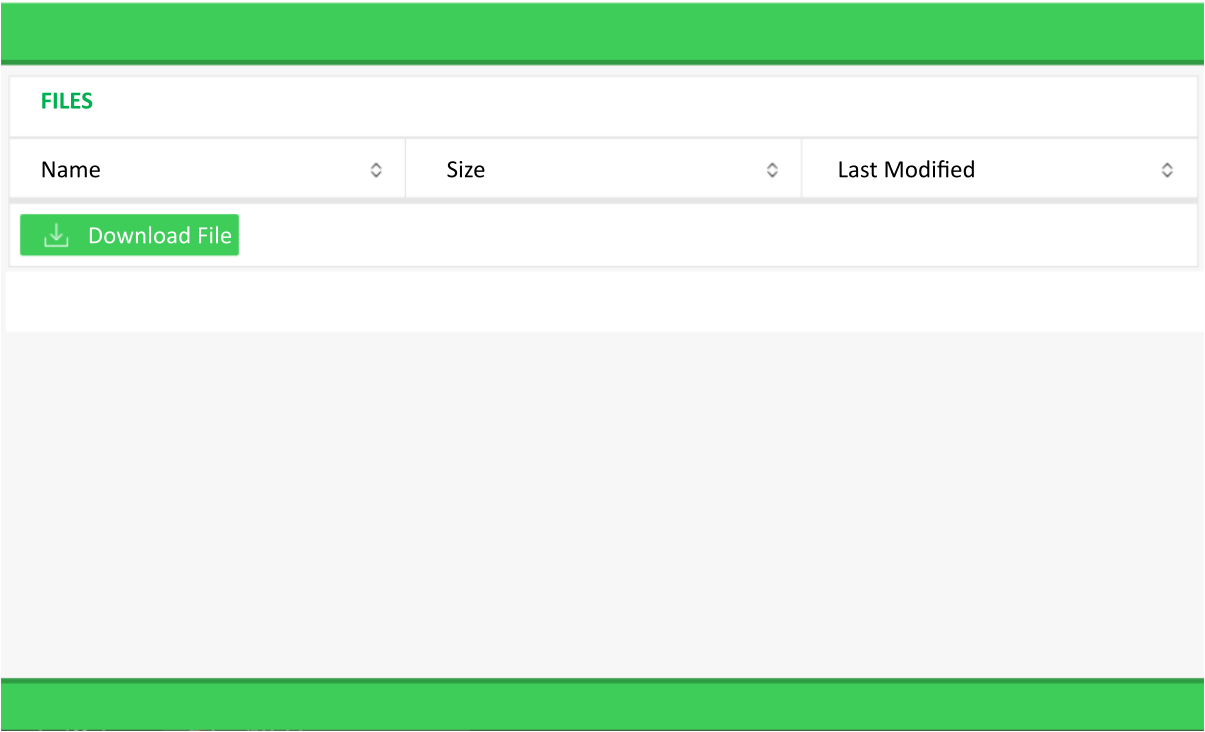
To save an event log file:
Click Download File.
Enter the File Name.
Click Start File Preparation.
The file is prepared automatically. Upon completion:
The new file is created in the host PC Downloads folder.
The web page displays the Name, Size and Last Modified date of the new event log file.